 Cosmic Arcade Hub
Cosmic Arcade Hub
Cosmic Arcade Hub
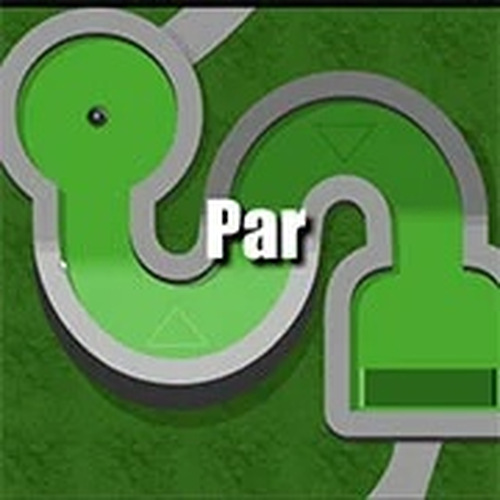
Mini Putt 4 offers a polished mini-golf experience with three distinct themed courses that each feel unique. The controls are responsive and easy to learn, making it accessible for younger players while still offering enough challenge for adults. The multiplayer mode supports up to eight players, adding great replay value for parties or family game nights. The game runs smoothly and has a cheerful, non-violent atmosphere. It is a solid choice for casual, social gaming.
Mini Putt 4 is a charming mini-golf game that brings friends and family together. Developed by psychogoldfish, it features three distinct courses: Pete’s Putt-O-Rama, Cosmic Golf, and Spooky Putt. Each course has its own visual theme, sound effects, and obstacles, keeping the gameplay fresh and exciting. The game is designed to be easy to pick up, making it accessible for both seasoned players and newcomers. With support for up to eight players, it is ideal for parties, family gatherings, or casual online play.
Getting started is simple. Use your mouse or touch screen to aim and set the power of your shot. Click and drag to control the direction and strength, then release to hit the ball. The goal is to get the ball into the hole in as few strokes as possible. Each course presents unique obstacles and quirks, requiring you to adapt your strategy. Playing with friends is easy—just invite up to seven others and take turns. The game automatically keeps score, so you can see who becomes the mini-golf champion.
Game features include: Multiplayer mode with up to 8 players. Three unique courses with different themes and challenges. Simple, intuitive controls suitable for all ages. Family-friendly content with no inappropriate material. Automatic score tracking for competitive fun.
Mini Putt 4 is a delightful choice for casual gaming. Its creative courses and straightforward gameplay make it enjoyable for short breaks or extended play sessions. You will appreciate the variety and the social aspect of playing with others.
💻 Desktop | 📱 Mobile | 📟 Tablet – All supported · Best with Chrome or Safari
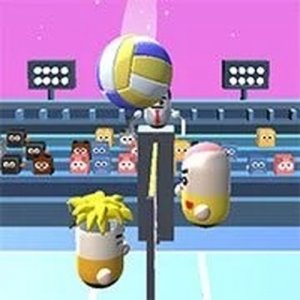
Charming and simple. Cute pill characters and easy controls make this a delightful arcade game for all ages.
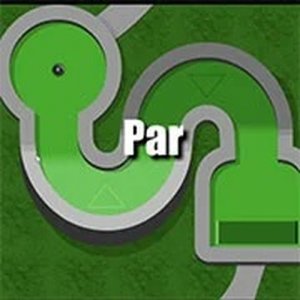
Charming mini-golf with three creative courses. Easy controls and fun multiplayer for all ages.

Clean design and smooth gameplay. Great for short breaks and improving timing skills.

Clean football action with simple controls. Great for quick, family-friendly sports fun.

Smooth controls and stunning sky tracks. A safe, fast-paced racer for quick gaming sessions.

Clean design and smooth gameplay. Great for short breaks and family fun.
Simple controls and a well-designed track. Great for quick racing fun.

Clean soccer simulation with strategic team management. Great for family game time.