Brain Test 4: Tricky Friends Puzzle Game delivers a solid collection of brain teasers that reward creative thinking. The puzzles are well-designed, often with unexpected solutions that feel satisfying to discover. The hint system is balanced, providing help without spoiling the challenge. Offline play is a major plus for commutes or travel. The characters add charm, and the difficulty curve keeps things interesting. It is a great choice for puzzle fans who enjoy thinking differently.
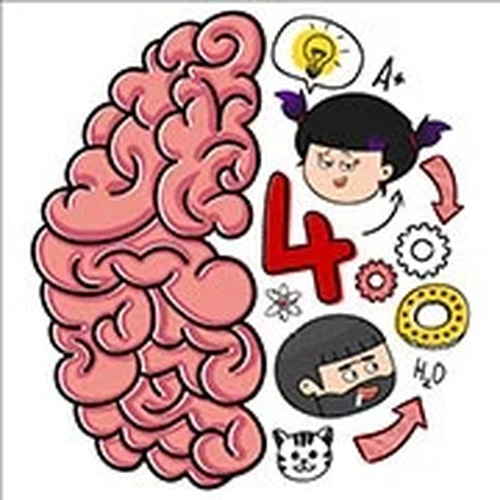
Brain Test 4: Friends Puzzle Game is a casual puzzle game that invites players to solve a series of creative challenges. The game features a group of charming characters, including Tricky Lily and Astrodog, who present puzzles that require thinking beyond the obvious. Designed for puzzle enthusiasts, each level offers a fresh mental workout. The game is part of the popular Brain Test series and provides an engaging experience for players looking for a fun and stimulating activity.
Players solve puzzles by interacting with objects on the screen. This may involve tapping, dragging, or performing other simple actions to find the correct solution. Each puzzle presents a unique scenario that requires creative thinking and careful observation. If a player gets stuck, a hint system is available to provide guidance. Progress is made by completing each puzzle, which may unlock new characters and challenges.
The game includes a variety of puzzles that encourage creative problem-solving. It features cute characters that add personality to each level. The game can be played offline, allowing for gaming without an internet connection. A helpful hint system assists players when they encounter difficult puzzles. Colorful graphics and smooth animations enhance the overall experience. Regular updates may add new levels and content to keep the game fresh.
To succeed in Brain Test 4, think creatively and explore all possible interactions on the screen. Pay close attention to details, as solutions often involve unexpected actions. If a puzzle seems difficult, try different approaches and use the hint system when needed. Regular practice can improve your problem-solving skills and help you progress more smoothly through the game.