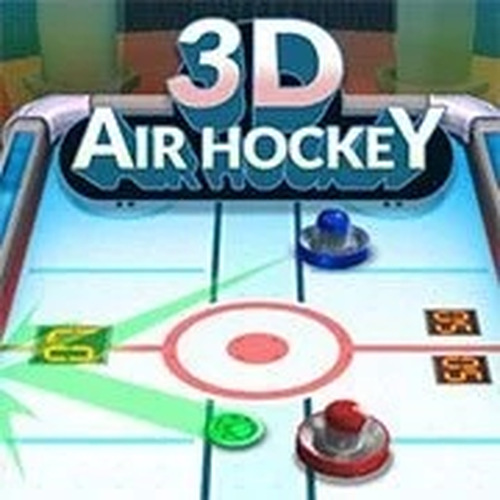
3D Air Hockey Sports
Reviews
3D Air Hockey Sports successfully recreates the arcade air hockey experience in a browser. The realistic physics make each shot feel authentic, and the multiple AI difficulty levels provide a good challenge for beginners and experienced players alike. The 3D graphics and sound effects add to the immersion, while smooth touchscreen controls make it easy to play on mobile devices. It is a simple, fun game that is perfect for short gaming sessions.
About this game
Game Introduction
3D Air Hockey Sports brings the classic arcade table sport to your browser with a modern 3D presentation. The core objective is straightforward: use your paddle to hit the puck into your opponent's goal while defending your own. This HTML5 game combines realistic physics with immersive music and sound effects to recreate the feel of a real air hockey table. Whether you have a few minutes or want a longer session, this sports game offers quick, engaging matches that are easy to pick up but offer depth for repeated play.
How to Play
Players control a paddle on their side of the table, moving it freely to intercept the puck and aim shots toward the opponent's goal. The game begins with a face-off, and you strike the puck to start play. Each time the puck enters the opponent's pocket, you score one point. The first player to reach the target score wins. Controls are typically handled via mouse or touchscreen, allowing smooth, responsive movement. Before starting, you can choose from multiple AI difficulty levels to match your skill, from a slower, more forgiving opponent to a fast, precise adversary.
Game Features
This game features a realistic physics engine that governs puck speed, friction, and paddle collisions for authentic gameplay. Stunning 3D graphics provide a polished, modern look, while immersive sound effects and music enhance the arcade atmosphere. Multiple AI difficulty levels let players of any skill find a suitable challenge. Smooth mouse and touchscreen controls make the game accessible on various devices, from desktops to tablets and phones. As an HTML5 game, it runs directly in your browser with no downloads required.
Tips for Success
To improve your game, focus on positioning your paddle centrally to cover more of the goal. Anticipate the puck's trajectory by watching its speed and angle. Practice your aim to send the puck to the edges of the opponent's side, making it harder to return. Use quick, short movements rather than wide sweeps to react faster. Adjust the difficulty level to match your current skill and gradually increase it as you improve. Finally, stay calm and patient—rushing often leads to missed blocks.